
Understand the method before choosing the tool.
AI study sheets: benefits, limits and how they work.
Understand how AI study sheets work, their benefits and limits, and how to use them without turning revision into passive reading.
- Free trial
- No credit card
- Built from your course
Complete guide · updated August 2026
Quick answer
What is an AI study sheet?
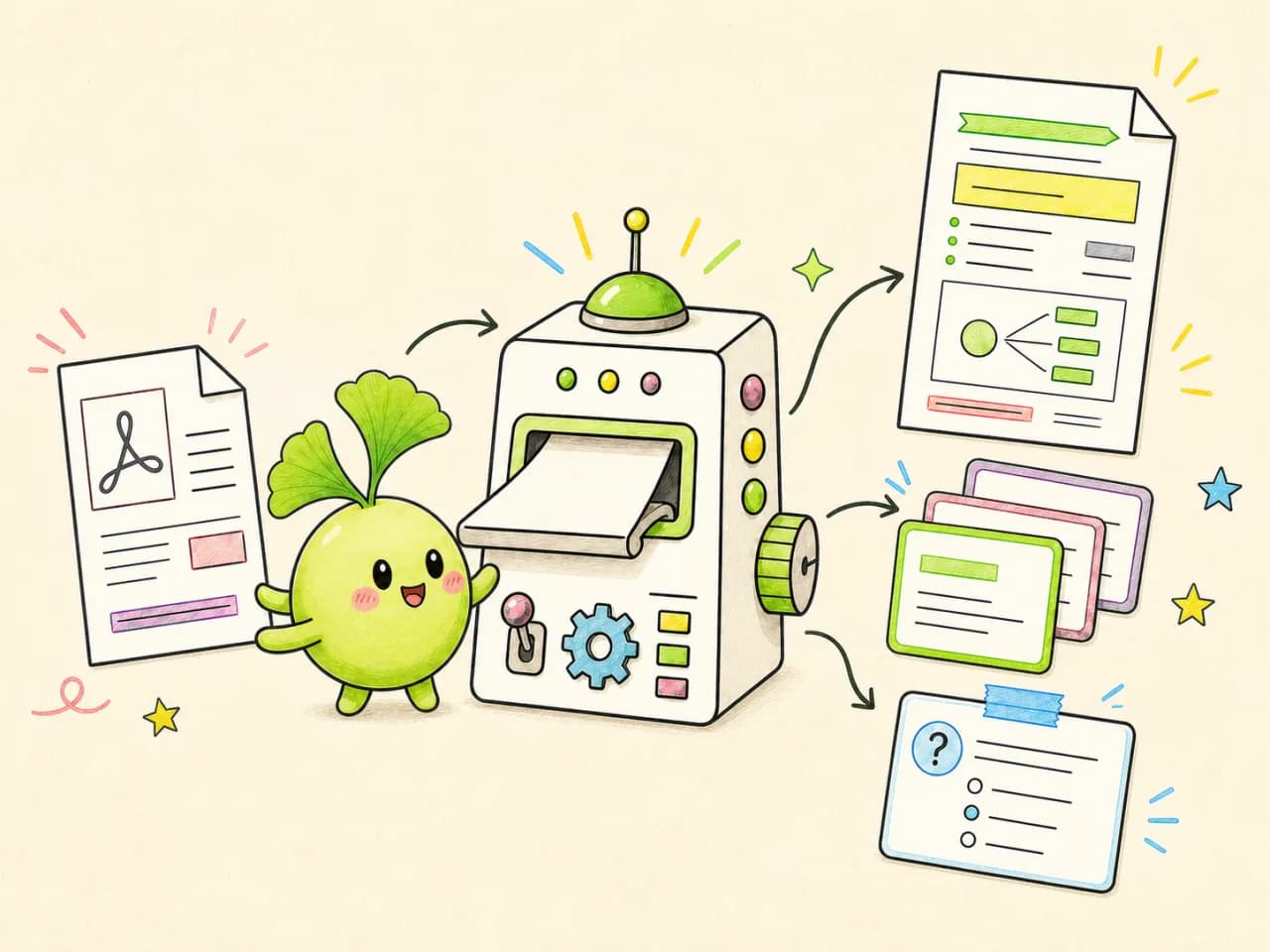
An AI study sheet is an educational summary generated from your own material: PDFs, slides, handouts, photos of notes or pasted text. Artificial intelligence identifies the main ideas, organizes definitions, examples and formulas, and produces a resource you can review, edit and export.
The value goes beyond saving time. A strong study app connects the sheet to flashcards, quizzes and mock exams, turning passive notes into active practice. This guide reflects patterns observed across more than 50,000 EduFiche students.
Grounded in your course
The summary starts from your documents, not a generic topic.
Clear and structured
Definitions, formulas, dates and examples are prioritised.
Ready for practice
The sheet becomes the foundation for quizzes and flashcards.
One course, several ways to learn
More than an automatic summary
EduFiche turns the same material into complementary resources that move you from reading to active recall.
01
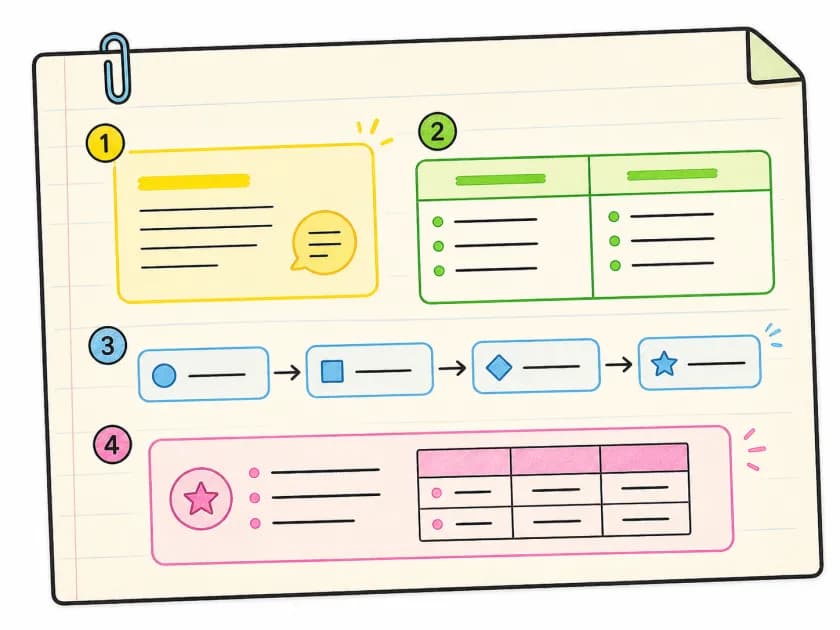
Visual study sheet
Important concepts organised into an easy-to-review sheet.
02
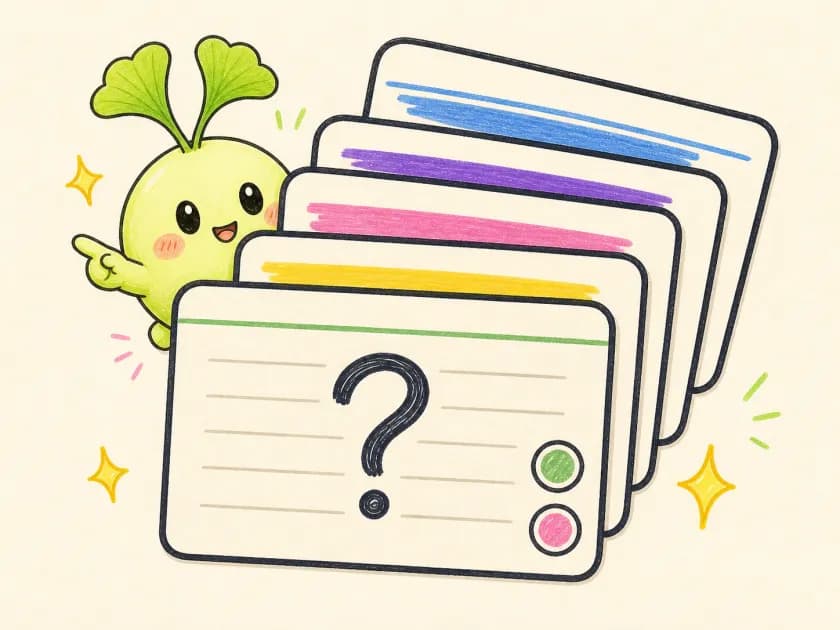
Automatic flashcards
Questions and answers generated from the essential concepts.
03
Quizzes and exam mode
Test yourself without looking and reveal knowledge gaps quickly.
From document to study sheet
How a reliable AI study sheet is generated
A serious generator should remain grounded in the student’s documents. Retrieval-augmented generation finds relevant passages before asking the model to summarize them. This constraint reduces unsupported claims and keeps the result connected to its source.
- 1
Upload a PDF, image or text; OCR processes scanned documents.
- 2
Split the course into coherent concepts, definitions, examples and formulas.
- 3
Retrieve useful passages with semantic search.
- 4
Compose the study sheet from the selected context.
- 5
Format the result as a visual, editable document.
Why use it
Why AI study sheets change the way you revise
Reading a course repeatedly creates familiarity, but familiarity does not guarantee recall under exam conditions. Durable learning relies more heavily on clear structure, active recall and spaced repetition.
A manual study sheet can take one to three hours per chapter. AI handles the mechanical work of selecting and formatting information, leaving more time for practice questions, quizzes and targeted work on weak concepts.
Who it helps
Who should use AI study sheets
They can help secondary-school students, university students, medical and law students, and adults returning to education. The larger the course load, the more noticeable the time saving becomes.
The expected level must remain explicit. A high-school sheet should not use the same vocabulary or depth as a university summary. The best tools adapt the structure to the learner and the target exam.
What to look for
How to choose an AI study-sheet generator
Check whether it is grounded in your documents, which formats it accepts, whether every section is editable, how files are protected and which practice tools are included. A sheet summarizes; a complete study system also reveals what you have not mastered yet.
Test what happens when the answer is absent from your material. A reliable tool should acknowledge the limits of its sources instead of answering confidently.
AI or manual method
AI vs manual study sheets: an honest comparison
Both approaches have value. The strongest workflow combines AI speed with personal annotation.
Creation time
- Manual sheet
- 1 to 3 hours
- AI sheet
- A few seconds
Personalization
- Manual sheet
- Complete from the start
- AI sheet
- High after generation
Writing effort
- Manual sheet
- Supports encoding
- AI sheet
- Add personal annotations
Course volume
- Manual sheet
- Limited by time
- AI sheet
- Several courses quickly
Practice tools
- Manual sheet
- Built separately
- AI sheet
- Generated quizzes and flashcards
A stronger study protocol
A workflow that produces real learning
Treat generation as the starting point, never the final activity.
- 1
Upload your course soon after class and generate a first sheet.
- 2
Check it against the source, correct it and add your own examples.
- 3
Turn important definitions and formulas into flashcards.
- 4
Take a closed-book quiz to identify knowledge gaps.
- 5
Review weak concepts a few days later and finish with a mock exam.
What you need to know
Frequently asked questions
What is an AI study sheet?
It is a structured summary generated from course documents. It organizes essential concepts into a clear, editable format.
Is an AI sheet as effective as a manual one?
It is much faster to create. For stronger memory, annotate it and use it for active-recall activities such as quizzes and flashcards.
Can the AI make up information?
Any model can be wrong. A system grounded in your documents, with source retrieval and easy verification, greatly reduces that risk.
How much does EduFiche cost?
The trial is free and requires no credit card. Premium costs €9.99 per month or €60 per year.
How is this different from ChatGPT?
EduFiche is organized around your course, progress and exam. It combines sheets with flashcards, quizzes, gap detection and mock exams.
Useful next steps
Continue studying with the right tools
Explore evidence-informed study methods on our blog and read the detailed comparison with ChatGPT. The public revision-sheet library is currently available in French only.
Explore the generator
Formats, workflow and benefits of EduFiche sheets.
Explore the generatorView example sheets
Browse the French library by level, subject and chapter.
View example sheetsCompare AI study tools
Seven tools compared by sources, outputs and limits.
Compare AI study toolsBuild a revision schedule
A method, a four-week model and a seven-day emergency plan.
Build a revision scheduleFind free resources
Past papers, course libraries and tools to complete your notes.
Find free resourcesEduFiche or ChatGPT?
Compare both approaches before choosing.
EduFiche or ChatGPT?